
Distance filters in Search Settings use your home location as the starting point. Make sure this is set to where you typically begin your driving day.
Why Location Matters
Your location setting affects:- Pickup Distance: How far you need to drive to pick up an order
- Total Distance: The complete route from your location → pickup → delivery
- Route Planning: Helps you accept gigs that make sense for your daily routine
Setting Your Location
There are two ways to set your location:Option 1: Enter Address Manually
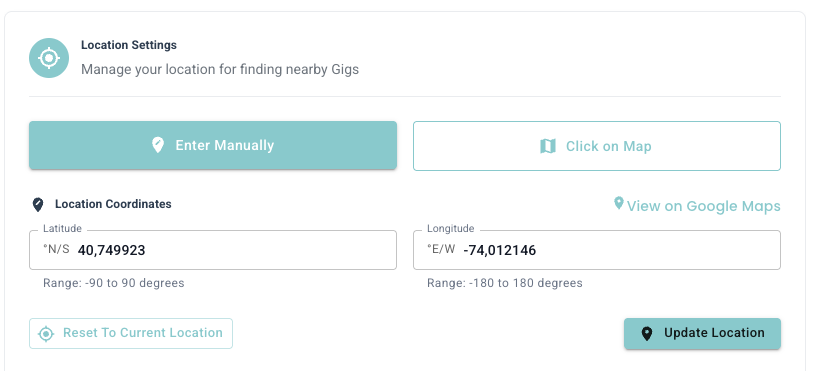
- Go to Settings → Location
- Type your address in the search field
- Select the correct address from the suggestions
- Click Save to confirm
The address autocomplete uses Google Maps for accurate location matching. Make sure to select the exact address from the dropdown.
Option 2: Click on Map
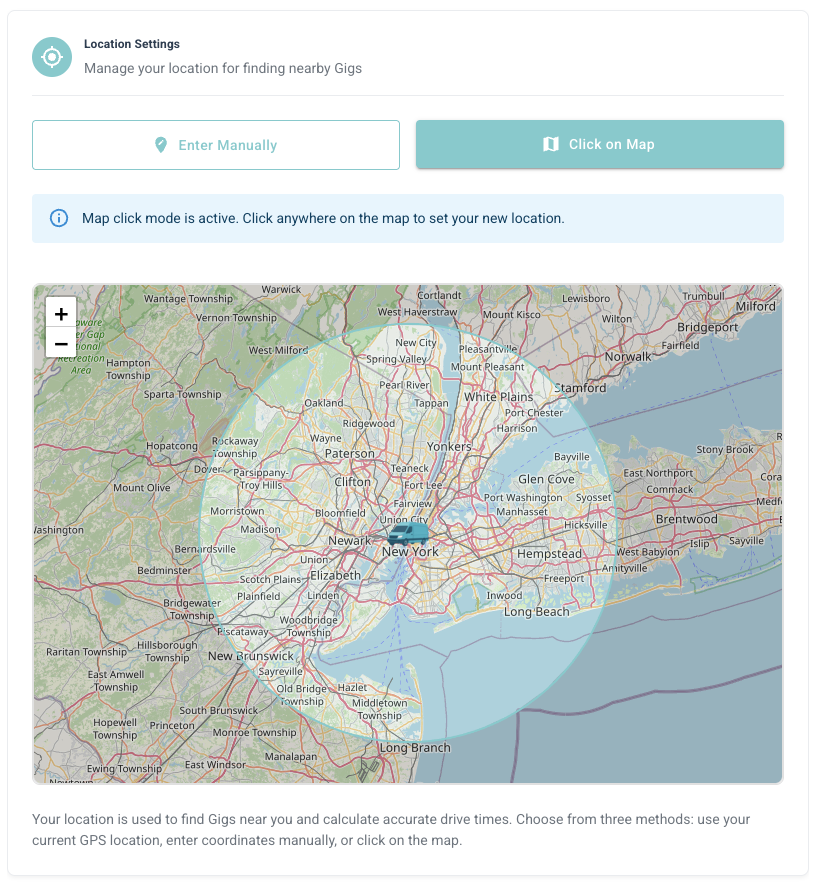
- Go to Settings → Location
- Use the interactive map to navigate to your area
- Click directly on the map to pin your location
- Adjust the pin by clicking a different spot if needed
- Click Save to confirm
Best Practices
Use Your Actual Starting Point
Use Your Actual Starting Point
Set the location where you typically start your driving day. This gives you the most accurate distance calculations.
Update When Needed
Update When Needed
If you move or change your starting location, update this setting immediately. Incorrect location = incorrect distance filtering.
Consider Multiple Locations
Consider Multiple Locations
If you drive from different areas on different days, update your location before activating the bot each time.
Common Questions
Can I have multiple saved locations?
Can I have multiple saved locations?
Currently, GrabMyGig supports one active location at a time. You’ll need to update it manually if you change your starting point.
How accurate does my location need to be?
How accurate does my location need to be?
Within a block or so is fine. The bot uses this for approximate distance calculations, not GPS-level precision.
What if I can't find my address?
What if I can't find my address?
Use the Click on Map option to manually pin your location. This works for any location, even if it doesn’t have a street address.
Next Steps
Cities Settings
Select which cities/zones to receive offers from.
Search Settings
Configure distance and other search filters.